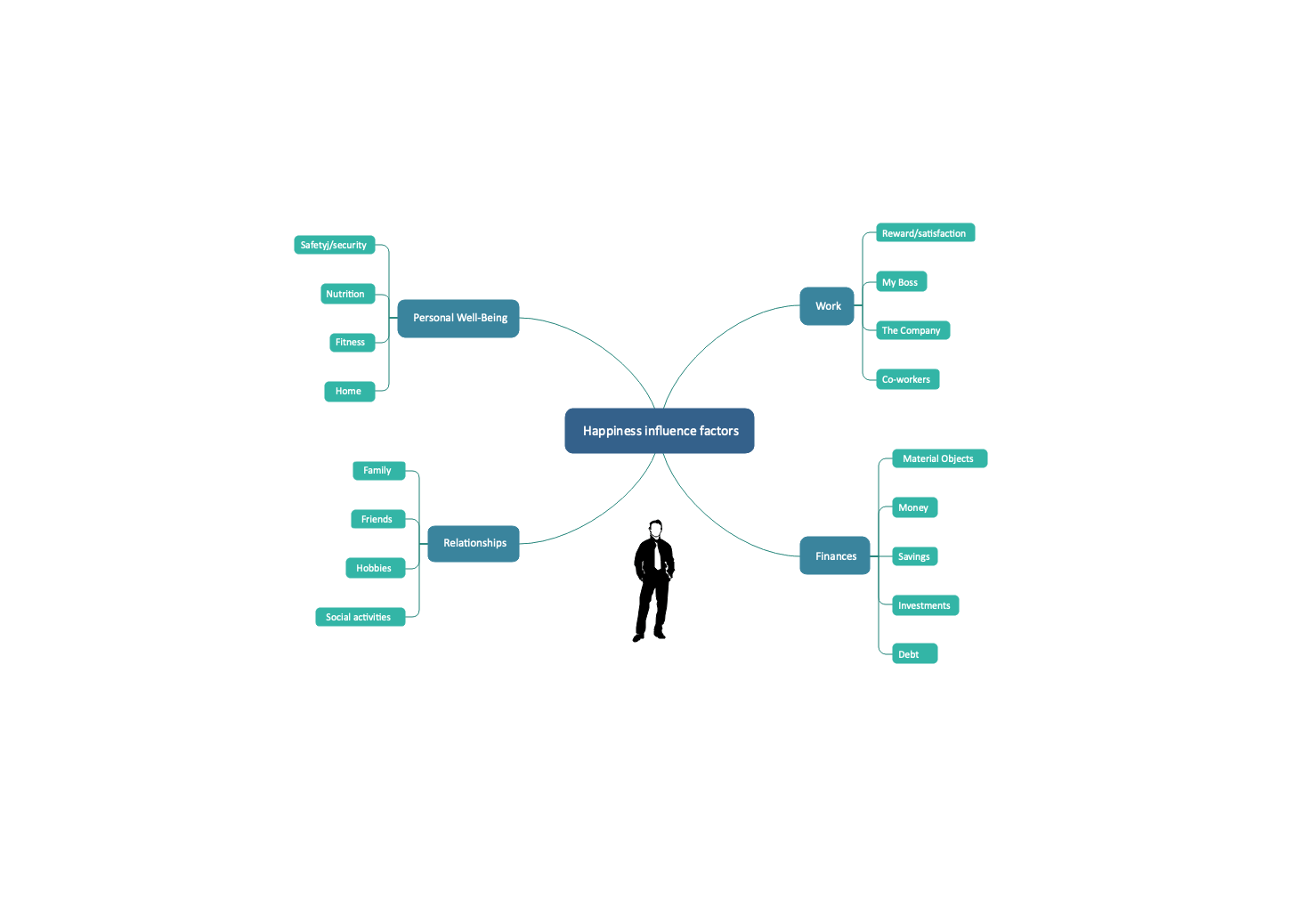


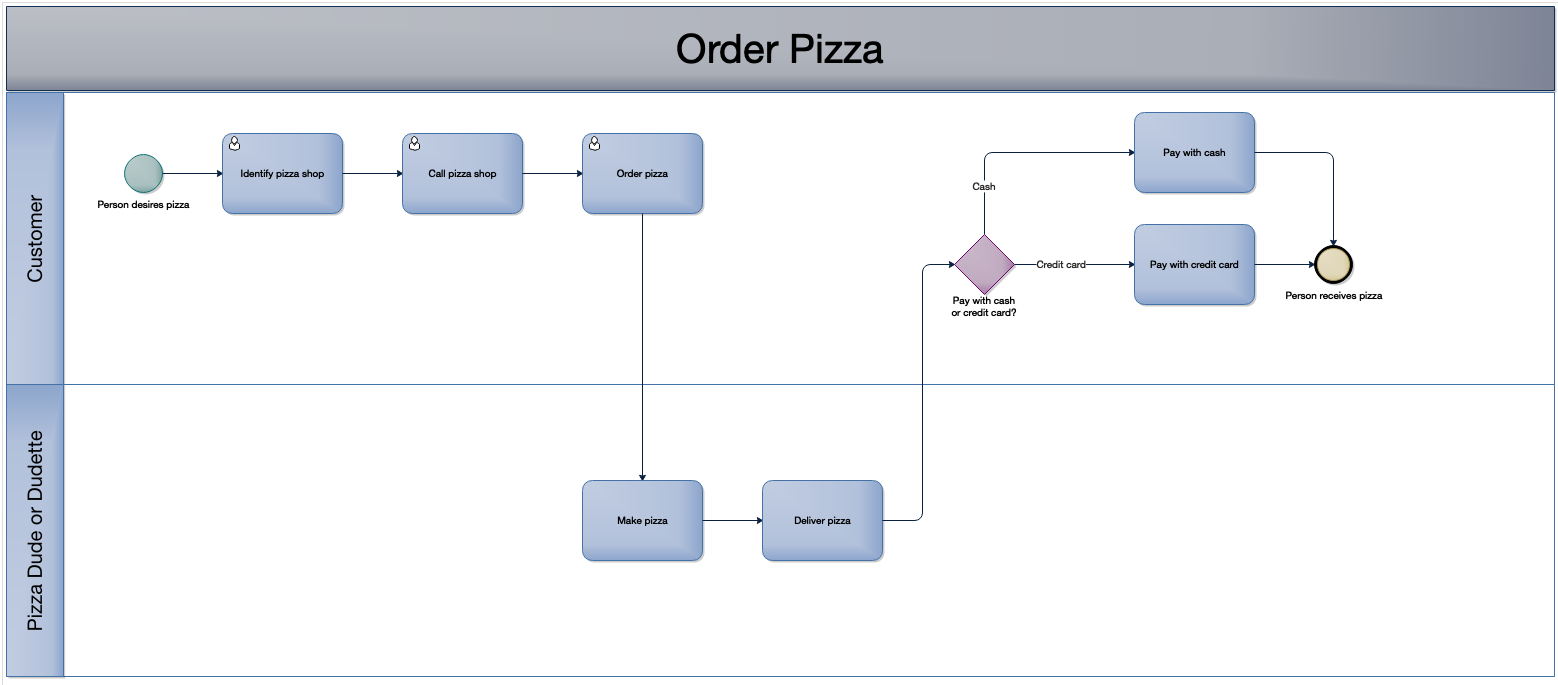
Here’s something you might not know! Process mapping and diagramming software isn’t just for process flows! While diagramming software is excellent for mapping out process flows, there’s so much more that you can do with it!
Some examples of things you can do with flowchart and diagramming software:
- Build organizational charts
- Create infographics, brochures and floor design plans
- Create gantt charts, Venn diagrams and relationship matrices
- Create mind maps (this is what we’ll be introducing in today’s video)
Mind Maps are fantastic to use for structured and unstructured brainstorming sessions as well (we’ll cover that in another video).
In the following video, I’m going to show you how to quickly draft up a to-do list with Edraw Max, which is the diagramming software that I use most of the time. Mind maps are more visually appealing than to-do lists and they are wonderful for relating or grouping tasks to a specific category or concept.
---
Check it out and feel free to leave a comment to let me know if you found this useful, or if you have more fun suggestions for ways to spruce up a to-do list!
Be safe, be healthy and be efficient.
Alwin
Your Friendly Neighbourhood Process Consultant




Great short video Alwin on mind-mapping. I’m going to look into the program. I use lists all the time and this application looks like it would be a fun way to organize my work flow for each day or week.
Sharon
Thanks, Sharon! Glad you enjoyed it. It’s a fun approach for people who like a more visual and colourful approach to lists. 🙂